TILDA VISTA
User Guide
Software Catalogue
Server Status
Service Usage
Contact us
Submit an application form
Service Usage
Introduction
Getting Started
Full Setup
- Authenticator Setup
- Account Setup
- VM Client Install
Log In Steps
Log in to VISTA Portal
Connect to VISTA Platform
VISTA Platform Usage
Platform Menu
Using multiple screens
Analysing the TILDA Data
Saving files
Logging off
TILDA documentation
File Transfer
Uploading Files
Downloading Files
Messaging Reviewers
Rejected Requests
Help & Support
Support
Troubleshooting
- Forgotten Password
- Account is Locked Out
- Can’t open Stata files
- No Machine Available
- File Upload Failed
- Platform not available
Screen Capture
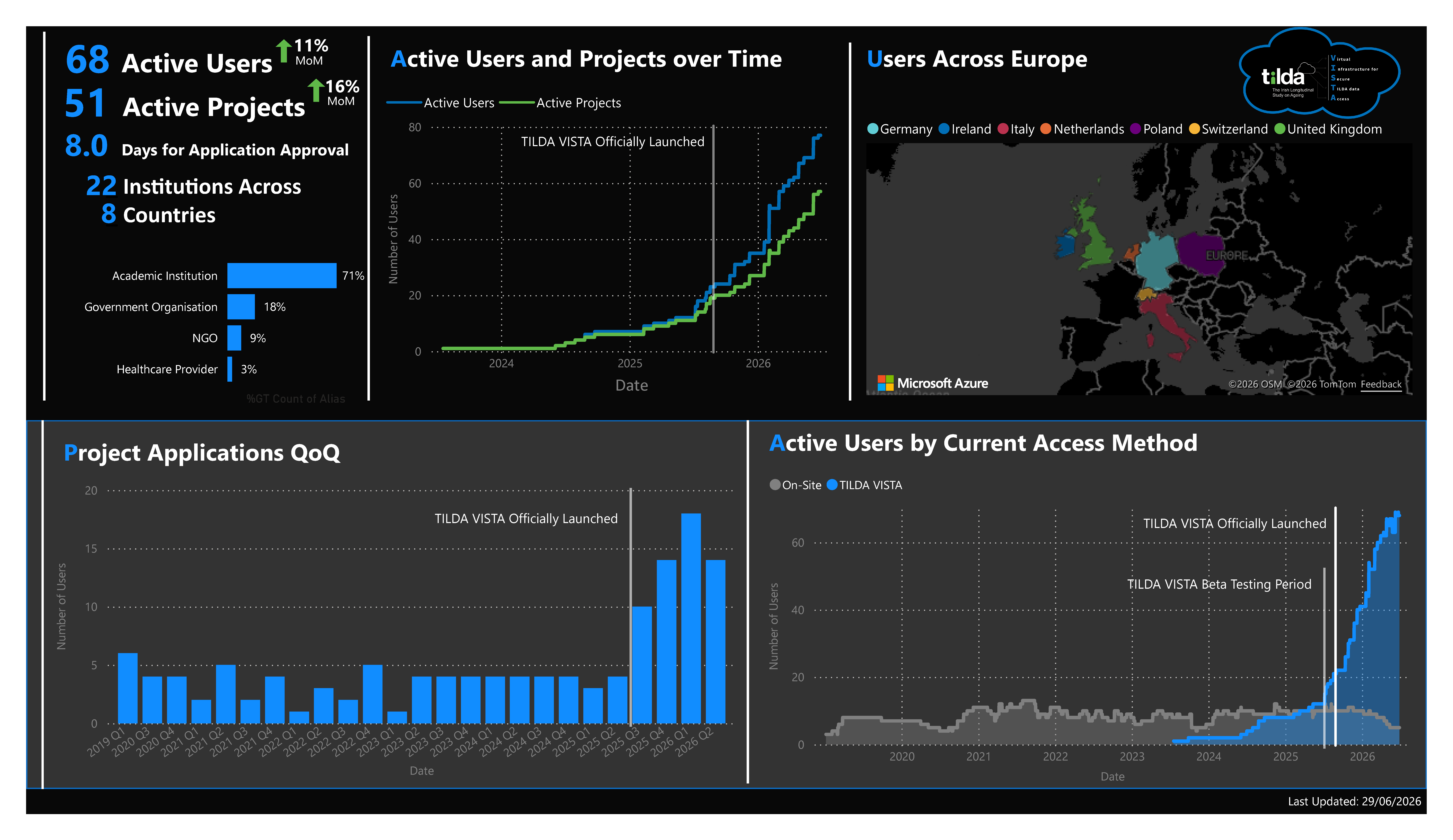
Service Usage